> ## Documentation Index
> Fetch the complete documentation index at: https://graphite-58cc94ce.mintlify.site/docs/llms.txt
> Use this file to discover all available pages before exploring further.
# Slack Notifications
> Learn how to integrate Graphite with Slack to receive real-time, actionable notifications about your PRs.
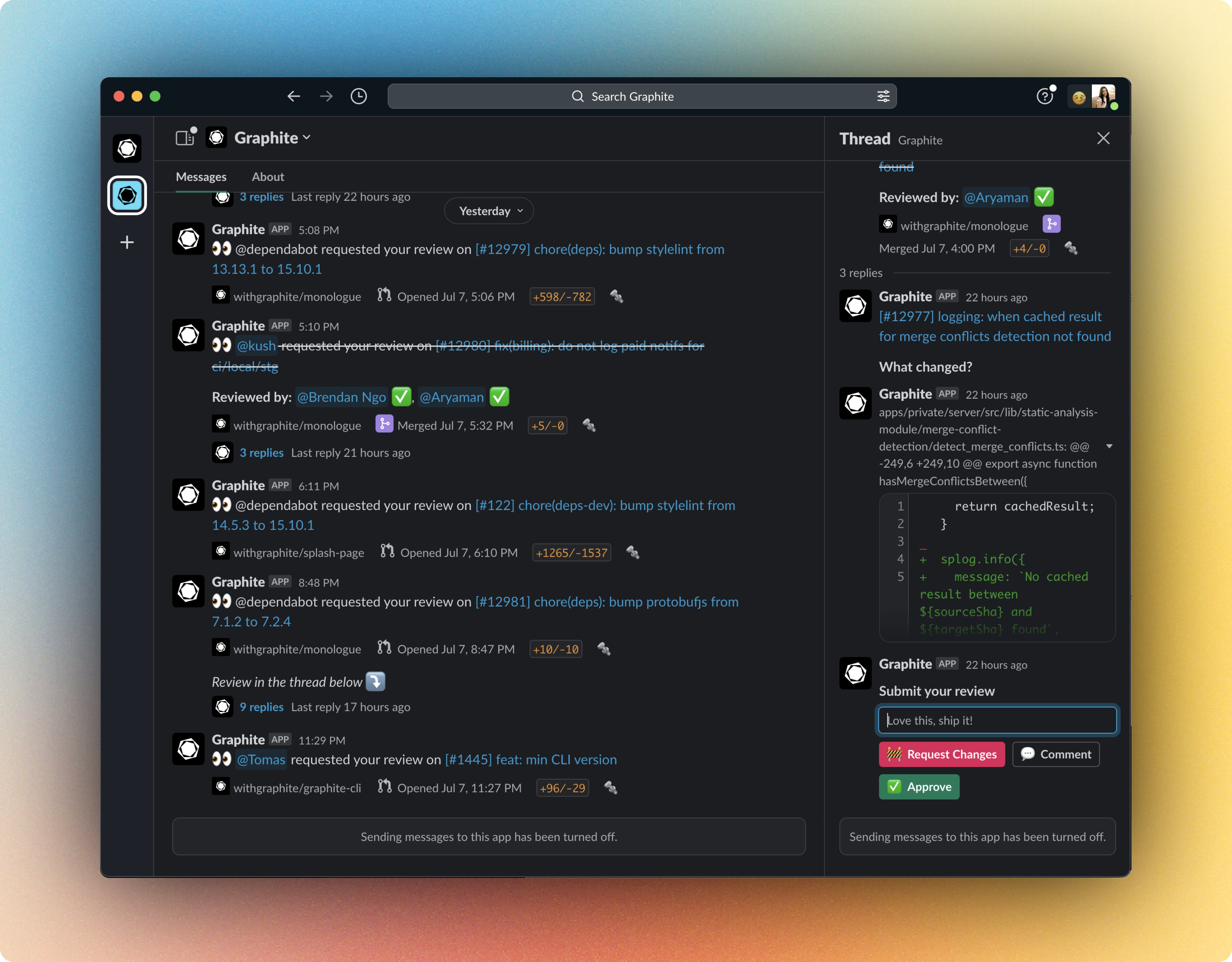 You have the ability to configure Slack notifications for PR activities like review requests, comments, mentions, and status changes. For some PRs, you can also approve, comment, request changes, or merge directly from Slack.
### Prerequisites
* A Slack workspace (free or paid)
## Install Graphite for Slack
Install the Graphite integration for Slack directly from the [notifications settings page](https://app.graphite.com/settings/notifications) on the Graphite app.
You have the ability to configure Slack notifications for PR activities like review requests, comments, mentions, and status changes. For some PRs, you can also approve, comment, request changes, or merge directly from Slack.
### Prerequisites
* A Slack workspace (free or paid)
## Install Graphite for Slack
Install the Graphite integration for Slack directly from the [notifications settings page](https://app.graphite.com/settings/notifications) on the Graphite app.
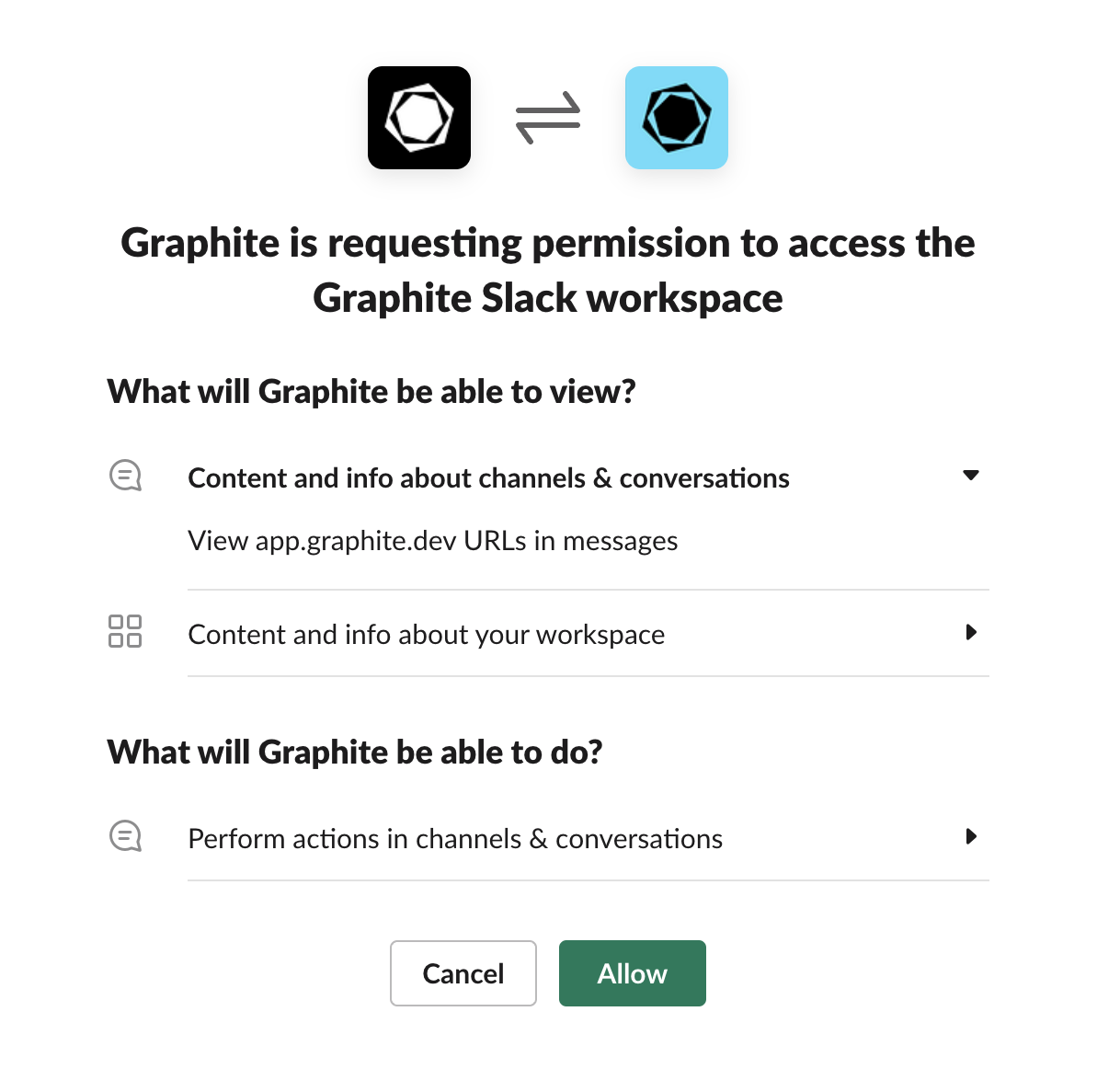
 After adding your Slack workspace, you will be prompted to give the Graphite app permissions to proceed.
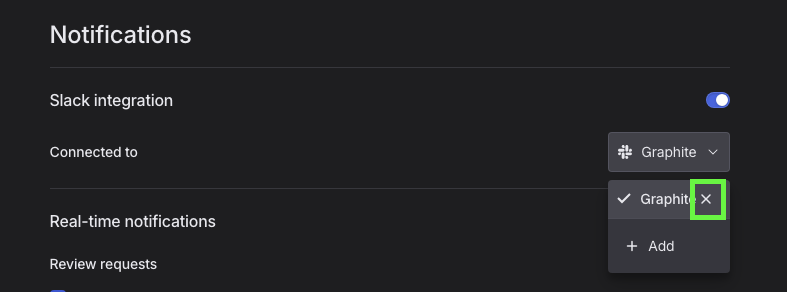
 In the future, you can modify the Graphite App's access to select workspaces and channels through this settings page.
**Note**
When there are major updates to our integration for Slack, we will sometimes prompt users to "re-install" the integration for their workspace. To do so, you can follow the exact same installation flow in this guide. No need to remove the existing integration—adding the integration again will override your previous one.
## Set up real-time notifications
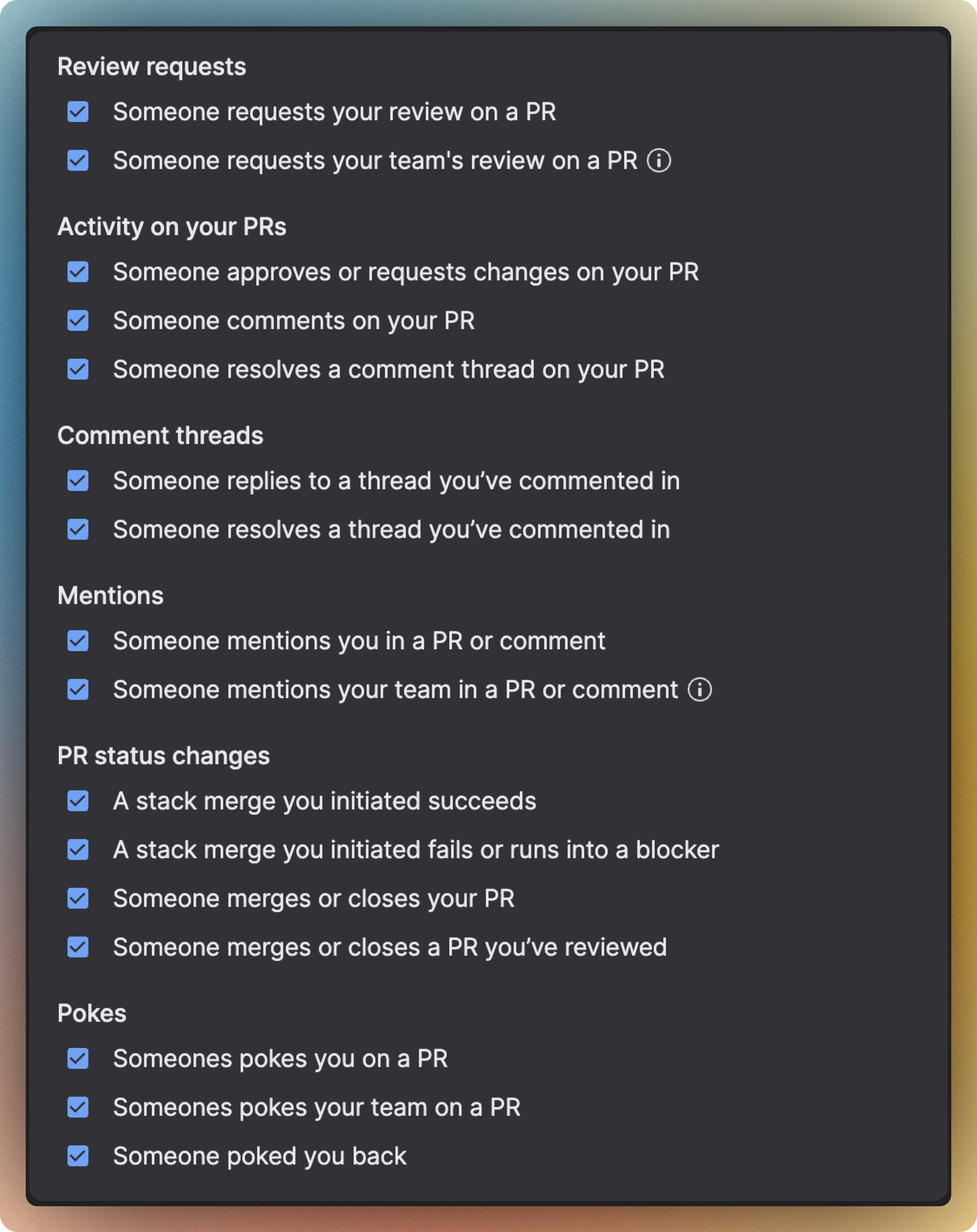
After you've installed the integration, you can enable real-time notifications in the [notifications settings page](https://app.graphite.com/settings/notifications) on the Graphite app. You can configure which types of events you want to receive notifications for.
In the future, you can modify the Graphite App's access to select workspaces and channels through this settings page.
**Note**
When there are major updates to our integration for Slack, we will sometimes prompt users to "re-install" the integration for their workspace. To do so, you can follow the exact same installation flow in this guide. No need to remove the existing integration—adding the integration again will override your previous one.
## Set up real-time notifications
After you've installed the integration, you can enable real-time notifications in the [notifications settings page](https://app.graphite.com/settings/notifications) on the Graphite app. You can configure which types of events you want to receive notifications for.
 ### Reviewing and merging PRs from Slack
The Slack integration gives you the option to directly review and merge PRs from Slack. No extra setup is needed: simply enable Slack notifications for **Review requests** and **Activity on your PRs**. Reviewing from Slack is available for PRs of up to 25 lines.
### Privacy and authorization
For the purpose of providing personalized and configurable updates and information about code contributions, the Graphite app can:
* Send messages as **@graphite** in selected channels
* Start direct messages with people
* Upload, edit, and delete files as **Graphite**
* View files shared in channels and conversations that Graphite has been added to
* Add, edit, and delete remote files on a user’s behalf
* View remote files added by the app in a workspace
* Show previews of app.graphite.com URLs in messages
* View people in a workspace
* View URLs from app.graphite.com
You can only connect a Slack workspace to a single Graphite user account at once. If you have previously authorized the Slack workspace in a different Graphite user account, you will need to completely remove that Slack workspace from in that user account's [Notification settings](https://app.graphite.com/settings/notifications) before it can be authorized in another user account.
### Reviewing and merging PRs from Slack
The Slack integration gives you the option to directly review and merge PRs from Slack. No extra setup is needed: simply enable Slack notifications for **Review requests** and **Activity on your PRs**. Reviewing from Slack is available for PRs of up to 25 lines.
### Privacy and authorization
For the purpose of providing personalized and configurable updates and information about code contributions, the Graphite app can:
* Send messages as **@graphite** in selected channels
* Start direct messages with people
* Upload, edit, and delete files as **Graphite**
* View files shared in channels and conversations that Graphite has been added to
* Add, edit, and delete remote files on a user’s behalf
* View remote files added by the app in a workspace
* Show previews of app.graphite.com URLs in messages
* View people in a workspace
* View URLs from app.graphite.com
You can only connect a Slack workspace to a single Graphite user account at once. If you have previously authorized the Slack workspace in a different Graphite user account, you will need to completely remove that Slack workspace from in that user account's [Notification settings](https://app.graphite.com/settings/notifications) before it can be authorized in another user account.