> ## Documentation Index
> Fetch the complete documentation index at: https://graphite-58cc94ce.mintlify.site/docs/llms.txt
> Use this file to discover all available pages before exploring further.
# Memes And Macros
> Add some fun to your code reviews.
## Memes and macros
One of the best parts about reviewing PRs in the Graphite app is the ability to use custom memes and macros in your comments, descriptions, and reviews.
### Upload new memes
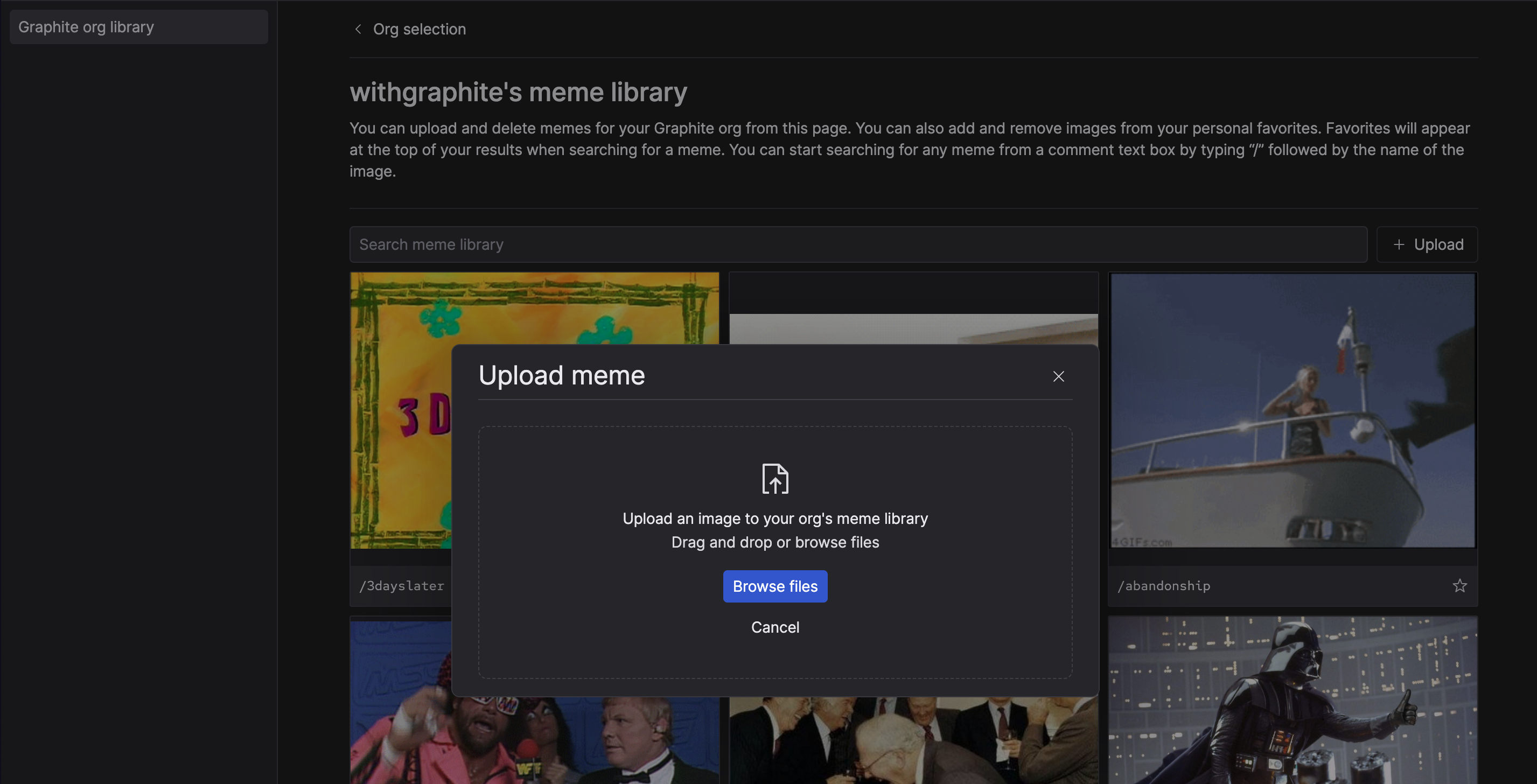
Each organization on Graphite has their own custom meme library, which you can access on the `Meme Library` tab of the PR inbox, or by using the `G` + `/` keyboard shortcut. To upload a gif or image, click the `upload` button and set a name for the meme:
 ### Use custom memes in comments and reviews
To add a meme to your comment or review, you can click the "meme" icon in the footer of the comment box markdown editor to browse your meme library, or use the `/` character to search for a meme by name.
### Use custom memes in comments and reviews
To add a meme to your comment or review, you can click the "meme" icon in the footer of the comment box markdown editor to browse your meme library, or use the `/` character to search for a meme by name.